
Get
CodeAgento
Use it instantly in your browser, download the desktop app, or go mobile. Your code, your platform.
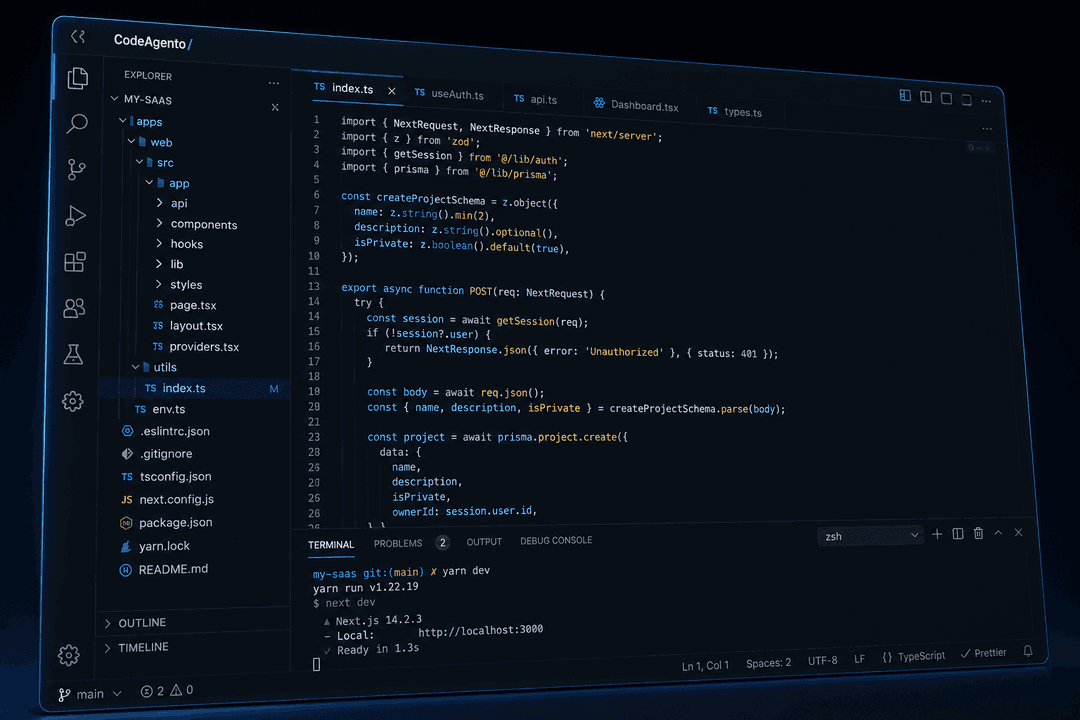
Web App
No download required. Open your browser and start coding instantly with the full feature set: terminal, editor, AI generators, and all 65+ tools.
- Works in Chrome, Firefox, Safari, and Edge
- Full feature set, nothing held back
- No installation or updates required
- Instant access from any computer
Trusted by developers at
 Google
 Microsoft
 Amazon
 Stripe
 Vercel
 GitHub
Native Desktop Apps
Full IDE power with native OS integration. Coming soon for macOS and Windows.
 Coming Soon
macOS
- Apple Silicon & Intel
- Touch Bar integration
- Spotlight search
- macOS 14+ required
 Coming Soon
Windows
- Windows 11 optimized
- Taskbar jump list
- Native file access
- Windows 10 (21H2+)
Code on the Go
Review code, make quick edits, and manage projects from your phone or tablet.
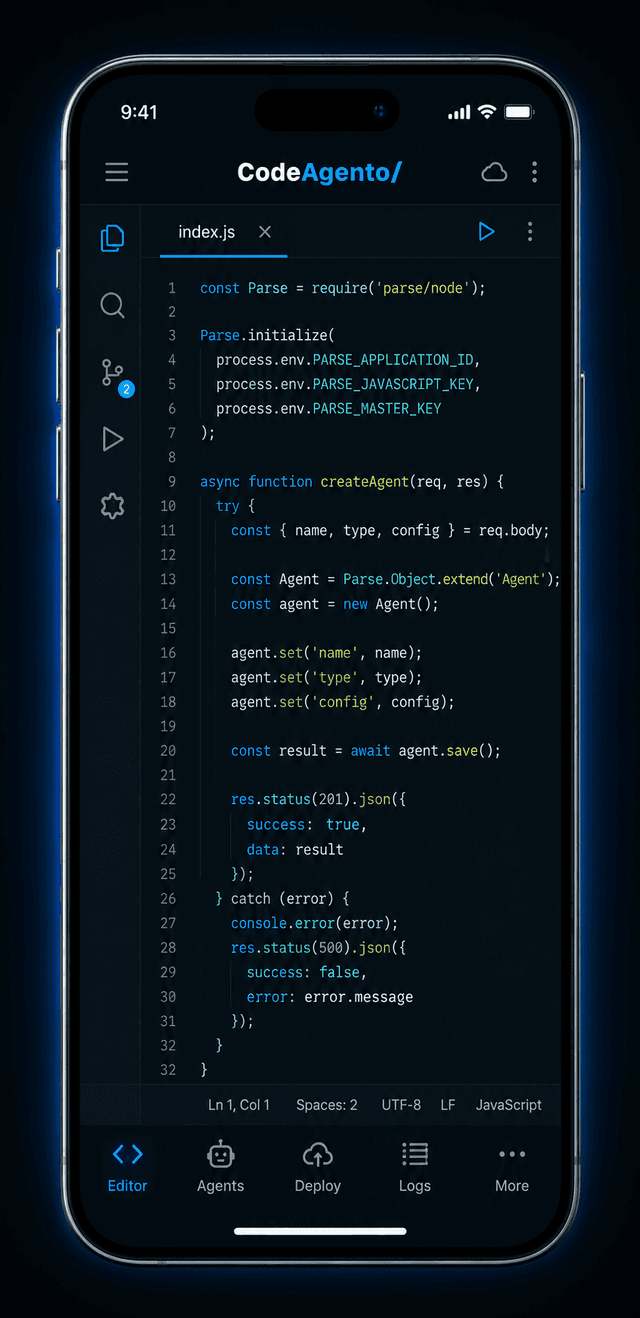
iOS
- Face ID / Touch ID
- iPad split view
- Siri shortcuts
- iOS 16+

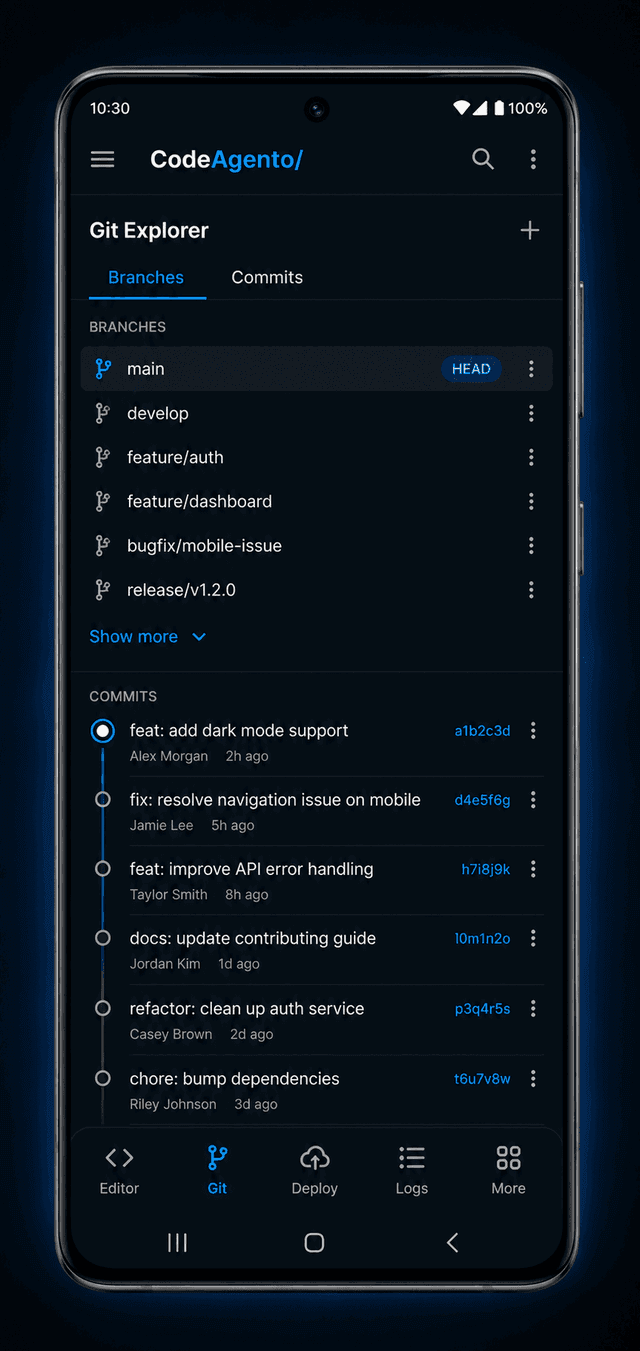
Android
- Fingerprint auth
- Material You theming
- Split screen
- Android 12+

Compare Platforms
Every platform gives you the core CodeAgento experience. Here's how they differ.
| Feature | Web | Desktop | Mobile |
|---|---|---|---|
| Full IDE & Terminal | |||
| AI Code Generation | |||
| 65+ Built-in Tools | |||
| Offline Editing | |||
| Native OS Integration | |||
| Git & Version Control | |||
| Real-time Collaboration | |||
| Zero Install Required |
Why Developers Choose CodeAgento
Built from the ground up as a cloud-native IDE with AI at its core.
Instant Setup
Open your browser and start coding. No downloads, no config files, no waiting.
Enterprise Security
HTTPS everywhere, encrypted credentials, sandboxed environments, and SOC 2 compliance.
Always Up to Date
New features and fixes ship automatically. No manual updates or version management.
AI-Native
65+ AI-powered tools built in, from code generation to design-to-code to debugging.
What Developers Say
“I switched from VS Code to CodeAgento's web app and never looked back. Having the full IDE in my browser means I can code from any machine, even my Chromebook.”
Marcus Chen
Full-Stack Developer at Vercel
“The mobile app is a game-changer for reviewing PRs on the go. I can check code, leave comments, and even make quick fixes from my iPad during commutes.”
Priya Sharma
Engineering Lead at Shopify
System Requirements
Web (Recommended)
- Chrome 100+, Firefox 100+, Safari 16+, or Edge 100+
- 4GB RAM minimum
- Stable internet connection
- 1280×720 minimum resolution
Desktop
- macOS 14 Sonoma+ or Windows 10 (21H2+)
- 8GB RAM recommended
- 500MB free disk space
- 64-bit processor
Frequently Asked Questions
Is CodeAgento free to use?
Yes, the free tier gives you full access to the web IDE with generous usage limits. Paid plans unlock additional AI generations, team features, and priority support.
Do I need to install anything?
No. The recommended way to use CodeAgento is the web app, which runs entirely in your browser. Desktop and mobile apps are optional and coming soon.
Which browsers are supported?
CodeAgento works in all modern browsers: Chrome 100+, Firefox 100+, Safari 16+, and Edge 100+. We recommend Chrome for the best experience.
Will my code be stored on your servers?
Projects are stored securely in your account with encrypted credentials and sandboxed environments. You can export or delete your data at any time.
When will the desktop and mobile apps be available?
Desktop apps for macOS and Windows are in development and will be available soon. Mobile apps for iOS and Android are also on the roadmap.
Can I use CodeAgento offline?
The web app requires an internet connection. The upcoming desktop app will support limited offline editing with sync when you reconnect.
Secure by Default
Every platform uses HTTPS, encrypted credentials, and sandboxed environments. Your code stays private across web, desktop, and mobile.