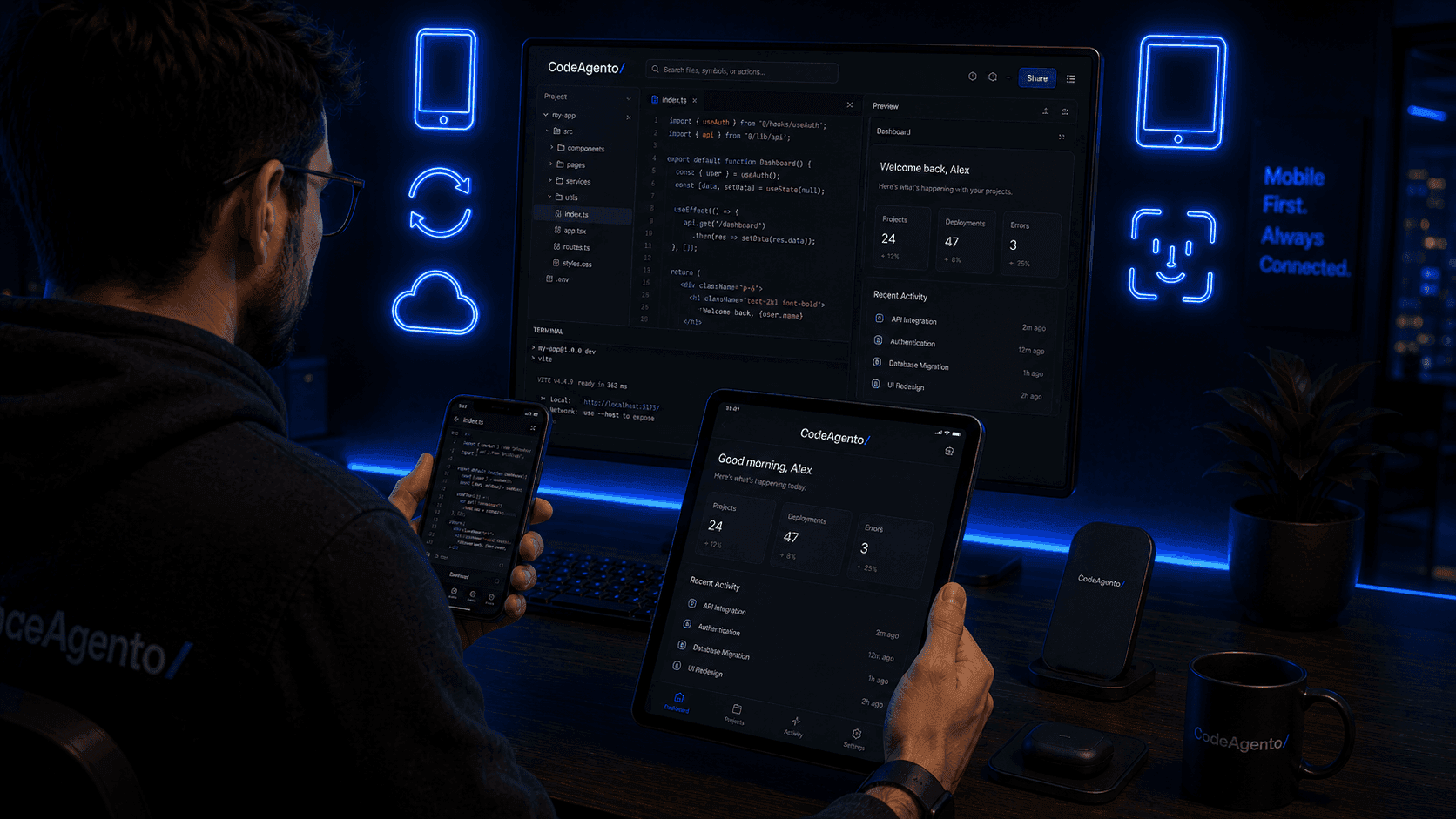
Code
Anywhere
The full power of CodeAgento in your pocket. Edit code, run AI generators, manage Git, and collaborate, all from your mobile device.
Everything You Need, Mobile-First
A complete development environment designed for touch screens, small displays, and on-the-go workflows.
Full Code Editor
Monaco-powered editor optimized for touch with syntax highlighting, autocomplete, and multi-tab support.
AI Generators
All 12 AI generators at your fingertips. Generate HTML, components, Tailwind, and more on the go.
Git Management
Commit, branch, stash, and view history from your phone. Visual Git Explorer works on any screen size.
Integrated Terminal
Full terminal access with touch-friendly keyboard shortcuts and quick command buttons.
AI Agent Tools
Build and test agents, design flows, and debug executions from mobile.
Push Notifications
Get notified about build status, team invites, deployments, and more.
Offline Mode
View files and recent code offline. Changes sync automatically when you reconnect.
Biometric Auth
Secure login with Face ID, Touch ID, or fingerprint on Android.
Available on iOS & Android
Native apps built for each platform with features that feel right at home.
iOS
iOS 16+ · iPhone & iPad
- Face ID / Touch ID
- Haptic feedback
- iPad split view
- Siri shortcuts
- Widget support

Android
Android 12+ · Phones & Tablets
- Fingerprint auth
- Material You theming
- Split screen
- Quick settings tile
- Android Auto (voice)

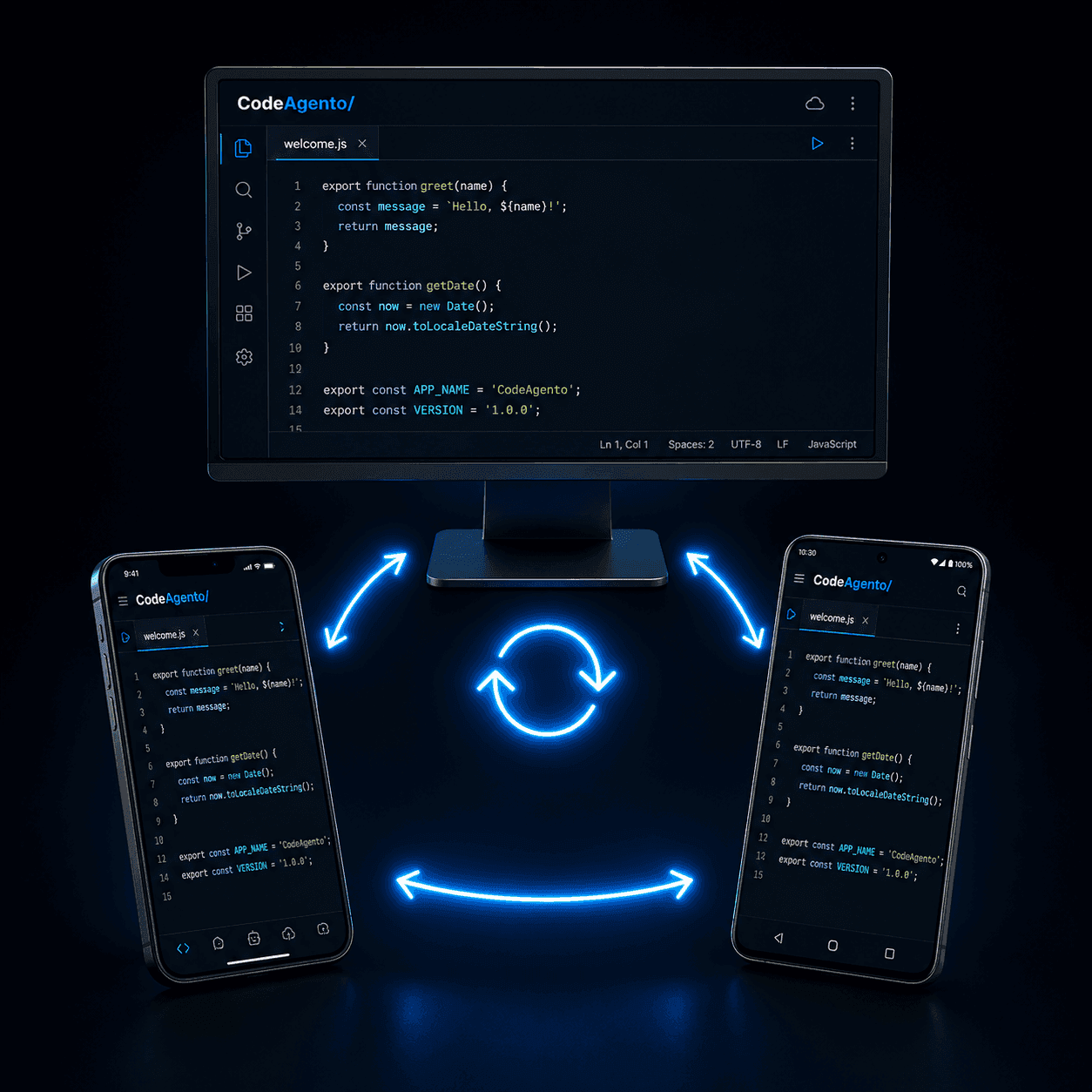
Seamless Sync
Start on your desktop, continue on mobile. Your projects, files, settings, and AI history sync across all devices in real-time.
Loved by Mobile Developers
Developers who code on the go share their experience.
“I review PRs on my commute now. The mobile Git Explorer is surprisingly powerful. I can stage, commit, and even resolve conflicts from my phone.”
Liam Park
Staff Engineer at Shopify
“The offline mode saved me on a flight. I edited three components, and everything synced perfectly when I landed. This is how mobile dev should work.”
Sofia Rodriguez
Freelance Developer
Mobile App Questions
Everything you need to know about CodeAgento on mobile.
Is the CodeAgento mobile app free?
Does it work offline?
Can I use the terminal on mobile?
Do my projects sync between desktop and mobile?
What devices are supported?
Get CodeAgento Mobile
Free to download. Same account, same projects, everywhere.