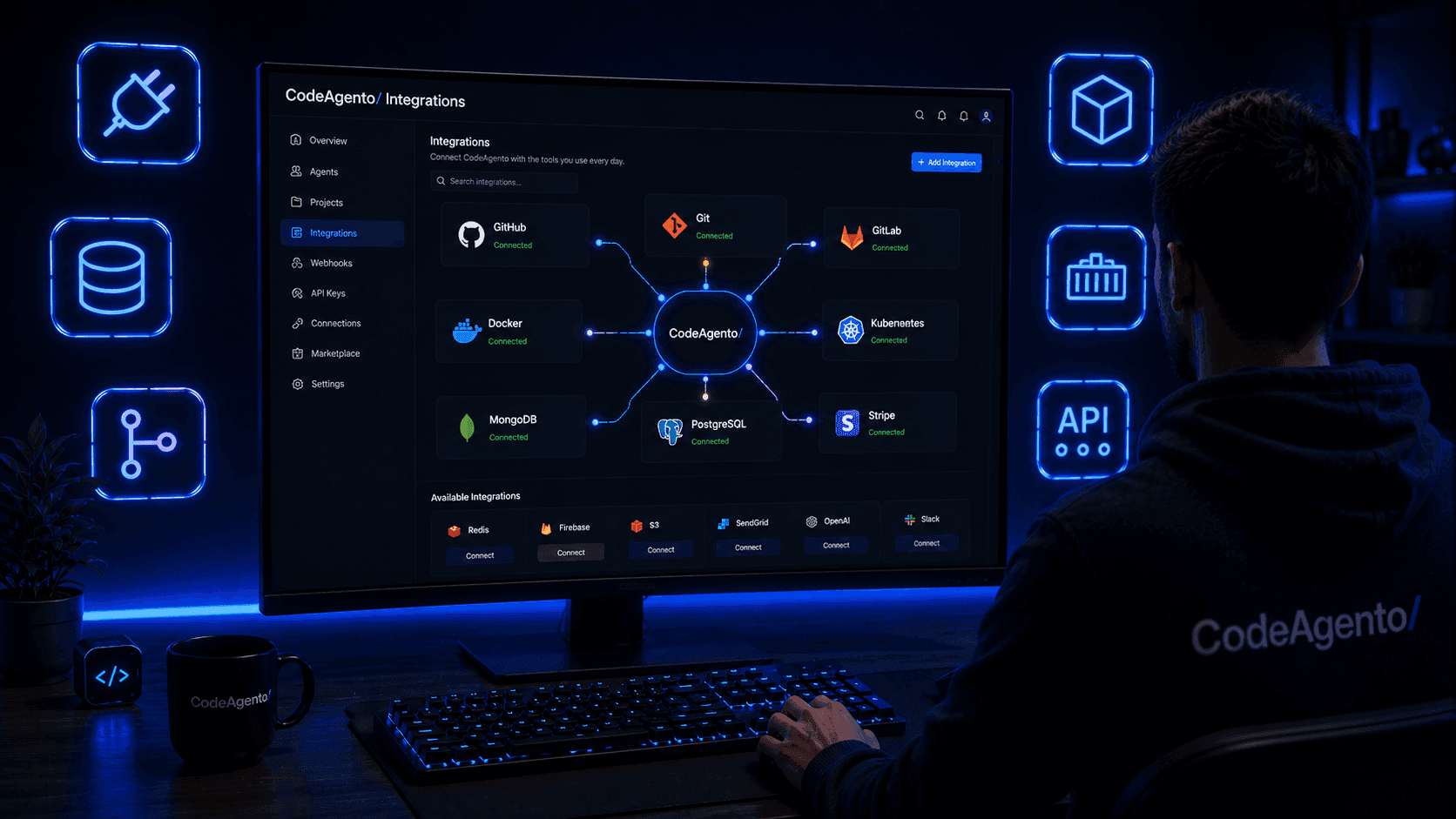
Connect Your
Favorite Tools
Databases, version control, AI models, payment processing, and frontend frameworks, all integrated into one IDE.
Powered by industry-leading tools
 GitHub
 MongoDB
 Redis
Redis Docker
 Stripe
 Google
 Tailwind CSS
 PostgreSQL
Version Control
Git
Full Git integration with commit, branch, merge, stash, tags, and visual history explorer.
GitHub
Connect repositories, manage pull requests, and sync code with GitHub.
GitLab
Push, pull, and manage GitLab repositories from the IDE.
Bitbucket
Bitbucket repository integration for Atlassian-based teams.
Databases
MongoDB
Primary database for all project data, user accounts, and configurations.
PostgreSQL
Connect and query PostgreSQL databases from the Database Explorer.
MySQL
MySQL database connectivity for queries, browsing, and exports.
Redis
Redis integration for caching, queue monitoring, and session management.
SQLite
Lightweight SQLite database support for local development.
Infrastructure
Docker
Manage containers, images, volumes, and networks from the Docker Manager.
SSH
Connect to remote servers via SSH with full terminal emulation.
Nginx
Configure and manage Nginx reverse proxy settings.
AI / ML
Google Gemini
Powering all AI generators, prompt playground, and agent builder.
Model Context Protocol
Build and deploy MCP servers for AI tool connectivity.
OpenAI
Alternative AI provider support for GPT models.
Anthropic Claude
Claude model support for AI generation and agents.
APIs & Services
Stripe
Payment processing for subscriptions, billing portal, and webhooks.
REST APIs
Test and debug any REST API with the built-in API Tester.
GraphQL
GraphQL playground with schema explorer and auto-complete.
WebSockets
Real-time WebSocket testing and monitoring.
Webhooks
Receive, inspect, and replay webhooks for development.
Frontend
Tailwind CSS
First-class Tailwind support in generators, builder, and playground.
Google Fonts
Browse and integrate Google Fonts from the Font Explorer.
Lucide Icons
Full Lucide icon library with search and code export.
Auth & Security
Role-Based Auth
Built-in authentication with session management, ACLs, and role-based access control.
OAuth 2.0
Social login support via Google, GitHub, and more.
How Integrations Work
Built-in by Default
Most integrations are available out of the box, no plugins or extensions to install. Just open the tool and start using it.
Connect Your Accounts
For services like GitHub, Stripe, or cloud databases, add your credentials in Settings. Secrets are encrypted at rest.
Use from Any Tool
Integrations are woven into every tool: the API Tester, Database Explorer, Terminal, Git Explorer, and AI generators all share your connections.
What Developers Say
“Having Git, Docker, MongoDB, and AI all in one IDE eliminated half my context-switching. I haven't opened a separate terminal in months.”
Alex Rivera
DevOps Engineer at Cloudflare
“The Stripe integration alone saved us weeks of back-and-forth. Testing webhooks, checking subscriptions, managing the billing portal, all from the same IDE.”
Nina Patel
Lead Engineer at Lemon Squeezy
Encrypted Credentials
All API keys and tokens are encrypted at rest. Secrets never appear in logs or plaintext.
Granular Permissions
Role-based access control ensures only authorized team members can manage integrations.
Zero-Config Setup
Most integrations work out of the box. Just open the tool and start using it, no plugins needed.
Frequently Asked Questions
Are all integrations included in the free plan?
Yes! Every integration that's marked 'Live' is available on all plans including free. There are no paid add-ons for integrations.
How do I connect my GitHub account?
Go to Settings > Integrations, click 'Connect GitHub', and authorize CodeAgento. Your repositories will be available instantly in the Git Explorer.
Can I connect to my own database?
Absolutely. The Database Explorer supports MongoDB, PostgreSQL, MySQL, SQLite, and Redis. Add your connection string in Settings and start querying.
Is my data secure when connecting external services?
All credentials are encrypted at rest and in transit. We use environment-level encryption and never store credentials in plaintext. You can revoke access at any time.
Can I request a new integration?
Yes! Use the contact form or join our Discord to suggest integrations. We prioritize based on community demand and ship new ones regularly.
Do integrations work in the mobile app?
Core integrations like Git, AI, and databases are available on mobile. Some desktop-specific tools like Docker and SSH require the web or desktop app.
Need an Integration?
Don't see the tool you need? Let us know. We're always adding new integrations based on developer feedback.